
MetaTrader 5 Desktop Trading Platform
MetaTrader 5 Desktop gives traders access to a powerful trading environment for analysing markets, managing positions and trading available Forex and CFD instruments. Avora Markets provides MT5 desktop access for traders who prefer a larger screen, detailed chart analysis and a customizable trading workspace.
The desktop version combines interactive charts, technical indicators, multiple timeframes, order management tools and automated trading capabilities in one platform. If you are new to MT5, read our guide on how MetaTrader 5 works to understand the platform, order process and key trading tools before you begin.
For traders looking for a broker that supports MT5 trading, explore the Avora Markets MT5 Forex Broker page to learn more about the broker, available markets and MT5 trading environment.
Download MetaTrader 5 for Desktop
Trade from Your PC or Mac
Download MetaTrader 5 Desktop and access your Avora Markets trading account from a compatible computer. The desktop platform gives you more workspace for chart analysis, market monitoring and trade management.
Download MT5 Desktop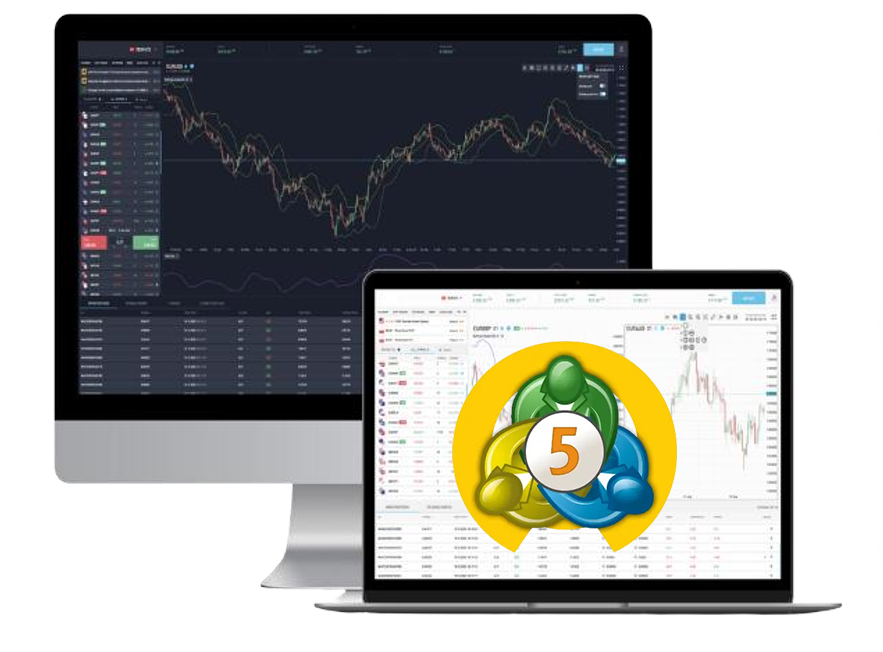
How to Get Started
Download MetaTrader 5 Desktop, connect to Avora Markets and start analysing the markets.
Download MT5 Desktop
Download the MetaTrader 5 desktop application using the official download option.
Install MT5
Complete the installation process on your compatible computer.
Open your trading account
If you do not have an Avora Markets account, register for a trading account.
Log in to MT5
Enter your trading account credentials and connect to the relevant Avora Markets trading server.
Start analysing the markets
Open charts, monitor prices, apply indicators and manage available trading positions.
Why Use MetaTrader 5 Desktop?
MetaTrader 5 brings market analysis and trade management into one desktop application. Avora Markets provides access to MT5 across desktop and mobile devices, allowing traders to choose the platform that fits their trading routine.
Advanced Charting
Use interactive charts to study price movements across different timeframes. Traders can customize chart layouts and apply technical-analysis tools according to their strategy.
Technical Indicators
MT5 provides a broad selection of built-in indicators and analytical tools. These can help traders study trends, momentum, volatility and potential market levels.
Multiple Timeframes
Analyse short-term and longer-term price movements using different chart timeframes. This can help traders structure their market analysis around their preferred trading approach.
Expert Advisors
MetaTrader 5 supports Expert Advisors, allowing traders to use automated strategies compatible with the platform. Automated trading still requires appropriate testing, monitoring and risk management.
Customizable Workspace
Arrange charts, market information and trading panels around your preferred workflow. A desktop screen gives you more space to monitor several instruments during market analysis.
Order Management
MT5 provides tools for placing and managing trades, including market and pending orders, stop-loss and take-profit levels.
What Can You Trade on MT5 Desktop?
The markets available through MT5 depend on the broker, account and applicable trading conditions. Avora Markets provides access to multiple CFD markets through its MT5 environment, including Forex, commodities, indices and cryptocurrency CFDs.
Forex CFDs
Monitor major, minor and selected exotic currency pairs such as EUR/USD, GBP/USD and USD/JPY.
Learn more about Forex CFD TradingCommodity CFDs
Analyse markets such as gold, silver and energy-related instruments where available.
Learn moreMT5 Desktop vs Mobile
Choosing a platform depends on how you trade and analyse the markets.
| Feature | MT5 Desktop | MT5 Android | MT5 iOS |
|---|---|---|---|
| Large-screen analysis | — | — | |
| Interactive charts | |||
| Market monitoring | |||
| Position management | |||
| Desktop workspace | — | — | |
| Mobile access | — | ||
| Expert Advisors | Limited mobile functionality | Limited mobile functionality | |
| Trading on the go | — |
Learn How MetaTrader 5 Works
Understanding the platform can help new traders become familiar with charts, orders, positions and risk-management tools.
Our guide explains:
- What MT5 is
- How MT5 trading works
- How traders place orders
- How brokers connect traders to the market
- MT5 technical-analysis tools
- Forex and CFD trading on MT5
- Automated trading
- Desktop and mobile MT5 access
Ready to trade from your PC or Mac?
Download MetaTrader 5 Desktop and connect it to your Avora Markets trading account.
Frequently Asked Questions
Direct answers about MetaTrader 5 Desktop, downloads, Expert Advisors, and mobile access.